
Builds
Planning tools I’ve designed and built, free to use today.
Each one runs in the browser, needs no account, and keeps your data on your own device. Use them as they are. When one fits, I’ll work with your team to make it yours.
Planning tools
Five tools for the planning work education teams do every term. Each one walks you through a sample school first, so you can see how it works before you add your own.
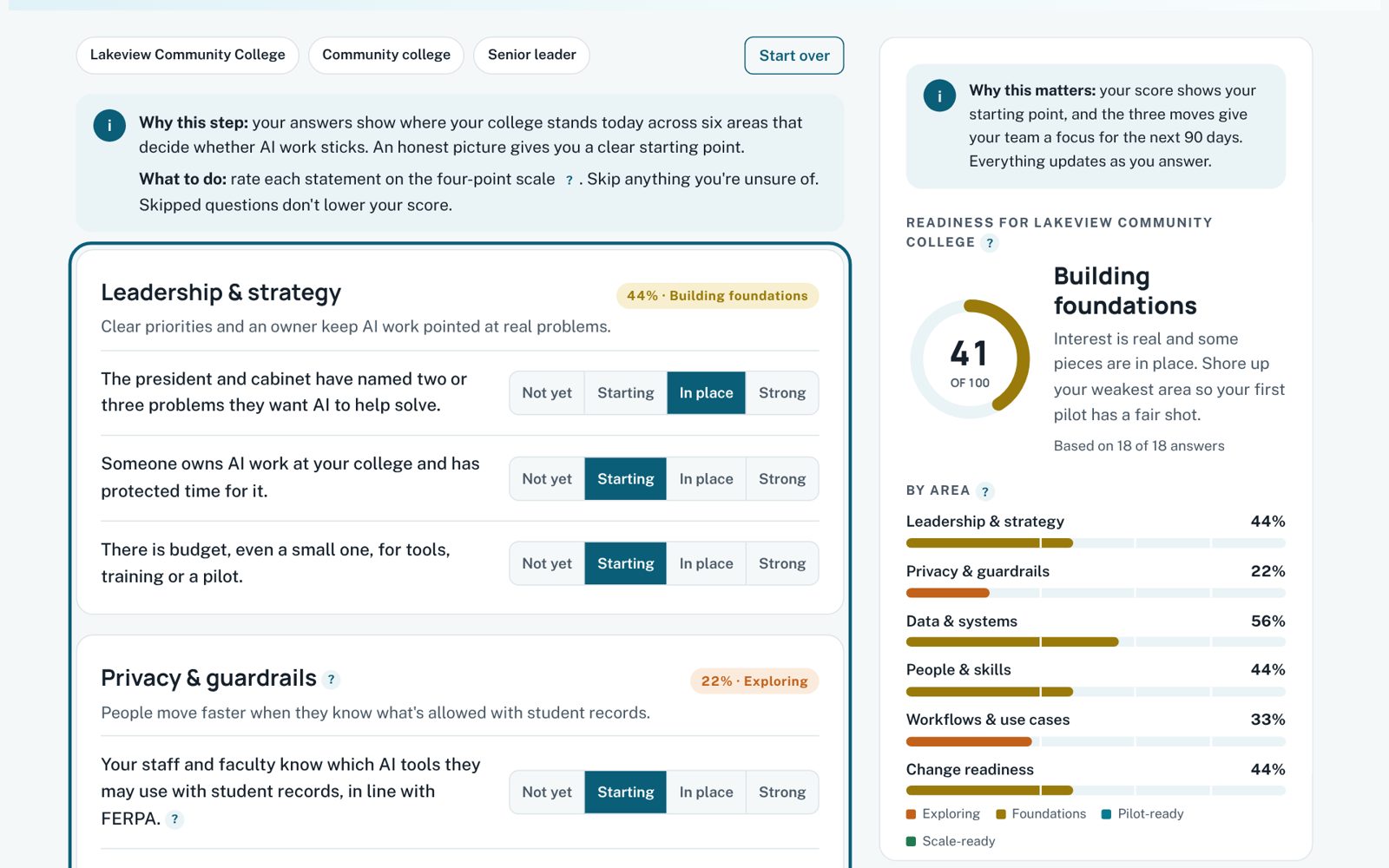
Free tool · Pairs with AI Enablement Workshop
AI Readiness Check
Eighteen questions across six areas, tailored to your type of organization and your role. You get a readiness score, a picture of where you’re strong, and three practical moves for the next 90 days.
Built for: leadership teams deciding where to start with AI
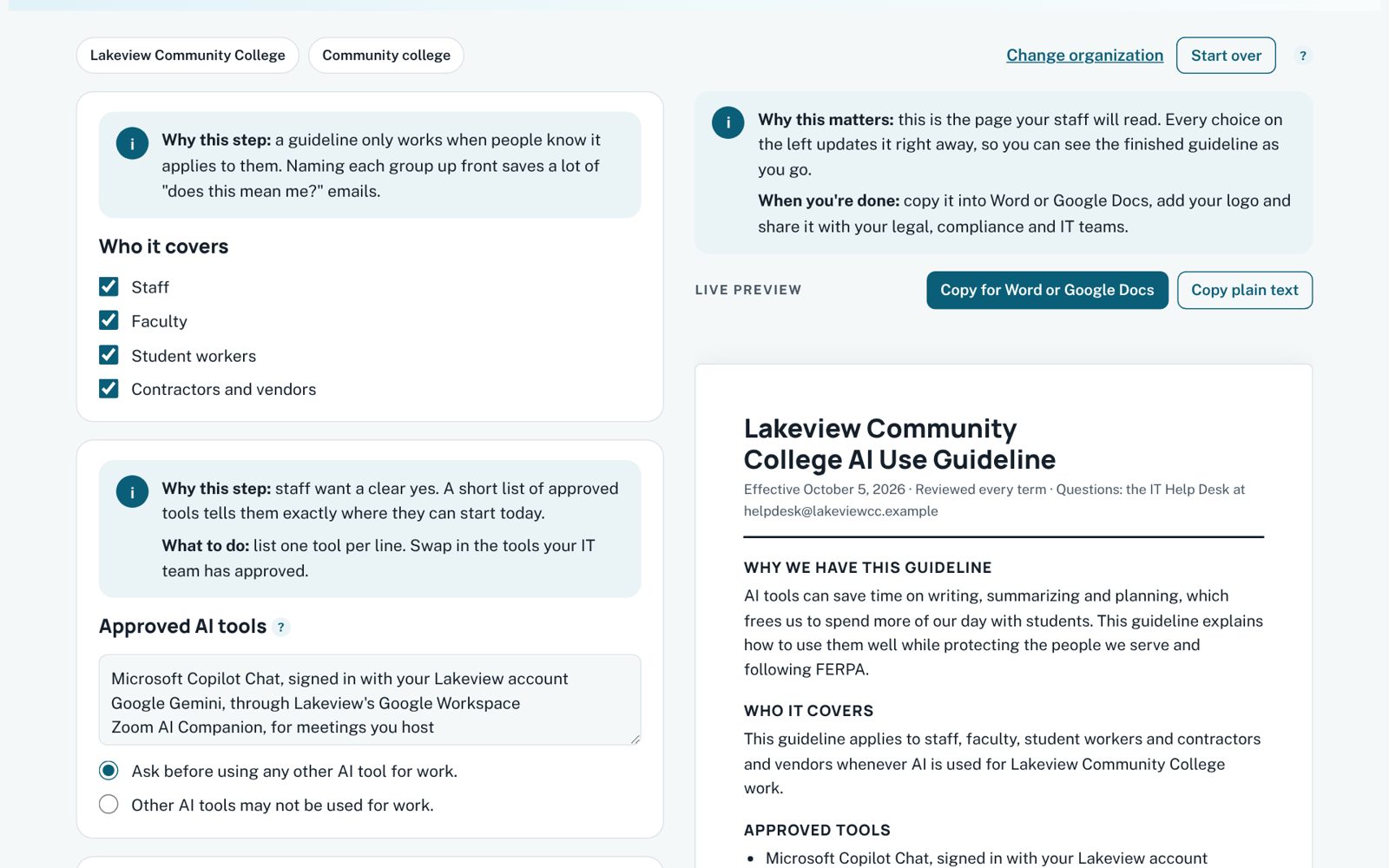
Free tool · Pairs with AI Enablement Workshop
AI Use Guidelines Builder
Make a few choices and get a one-page AI use guideline with a red-yellow-green data guide, ready to paste into Word or Google Docs.
Built for: offices that need clear, shared rules for using AI with student and staff data
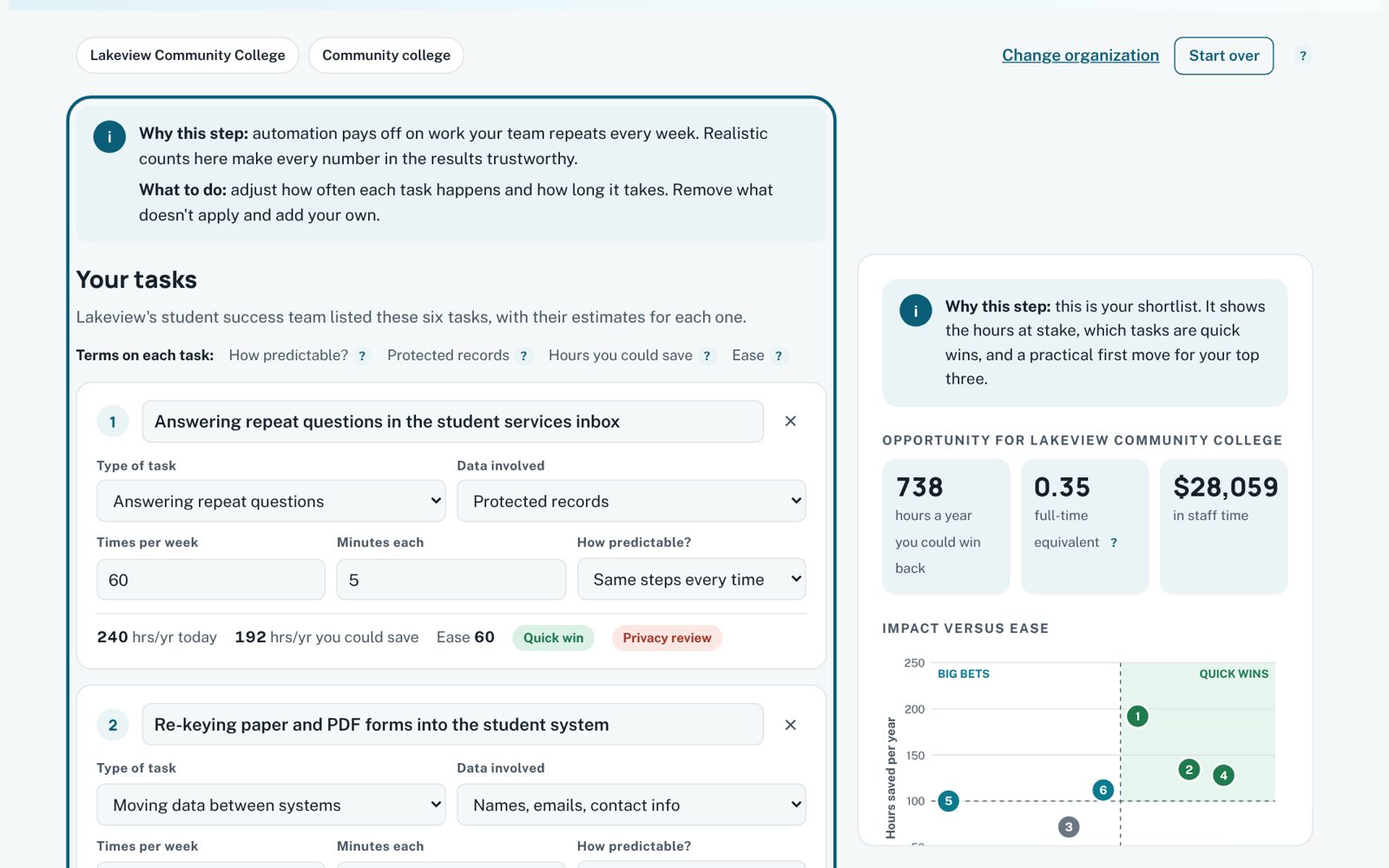
Free tool · Pairs with Workflow Automation Sprint
Automation Opportunity Finder
List the repetitive work that fills your team’s week. See the hours at stake, the quick wins, and a practical way to automate each task.
Built for: enrollment, registrar, advising and student services teams
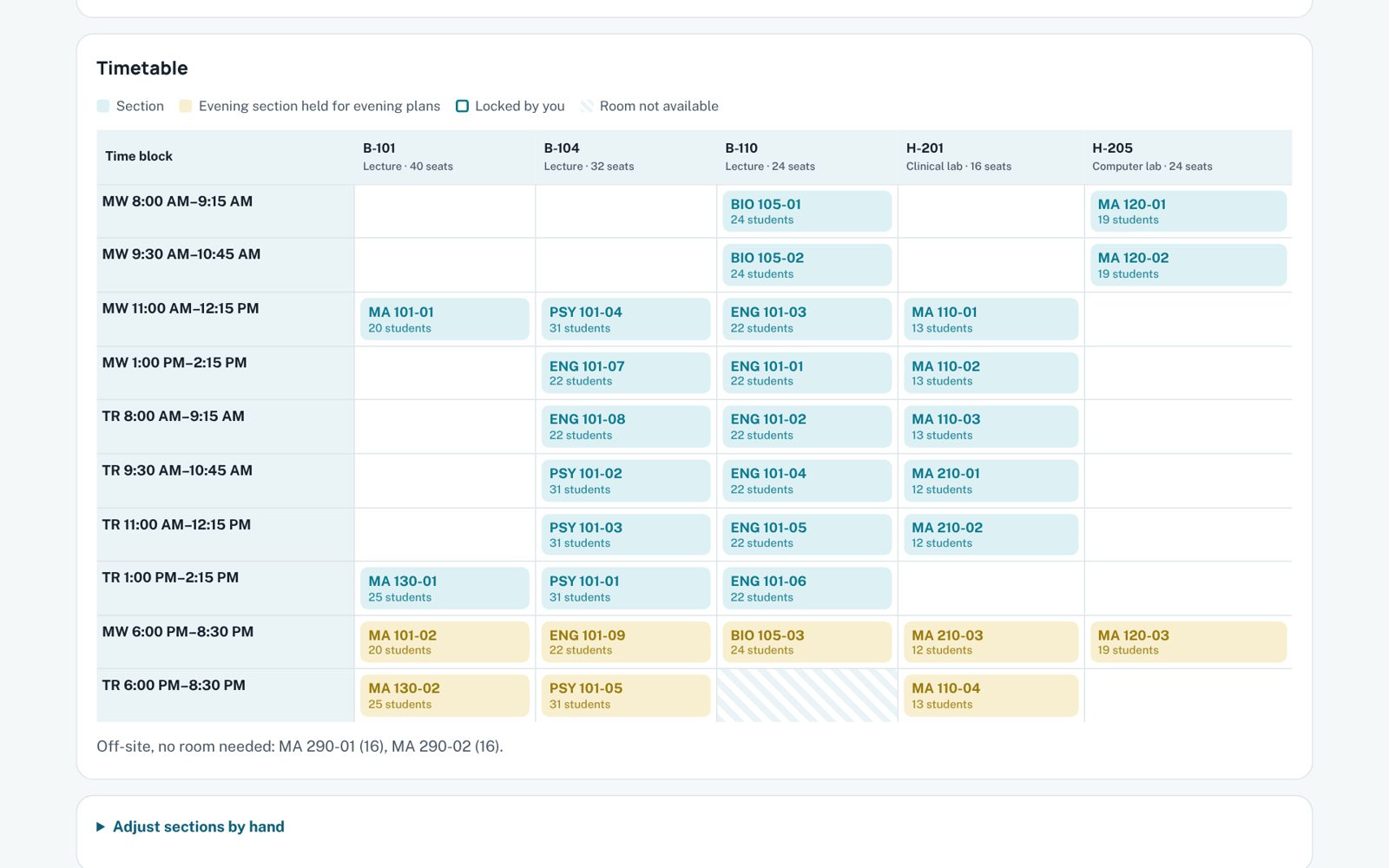
Free tool · Pairs with Custom App Build
Course Planner
Forecast next term’s course demand from your course plans, or start from expected enrollment. Size sections, flag what to watch, and build a room-and-time schedule.
Built for: deans, chairs and schedulers planning next term
Free tool · Pairs with Custom App Build
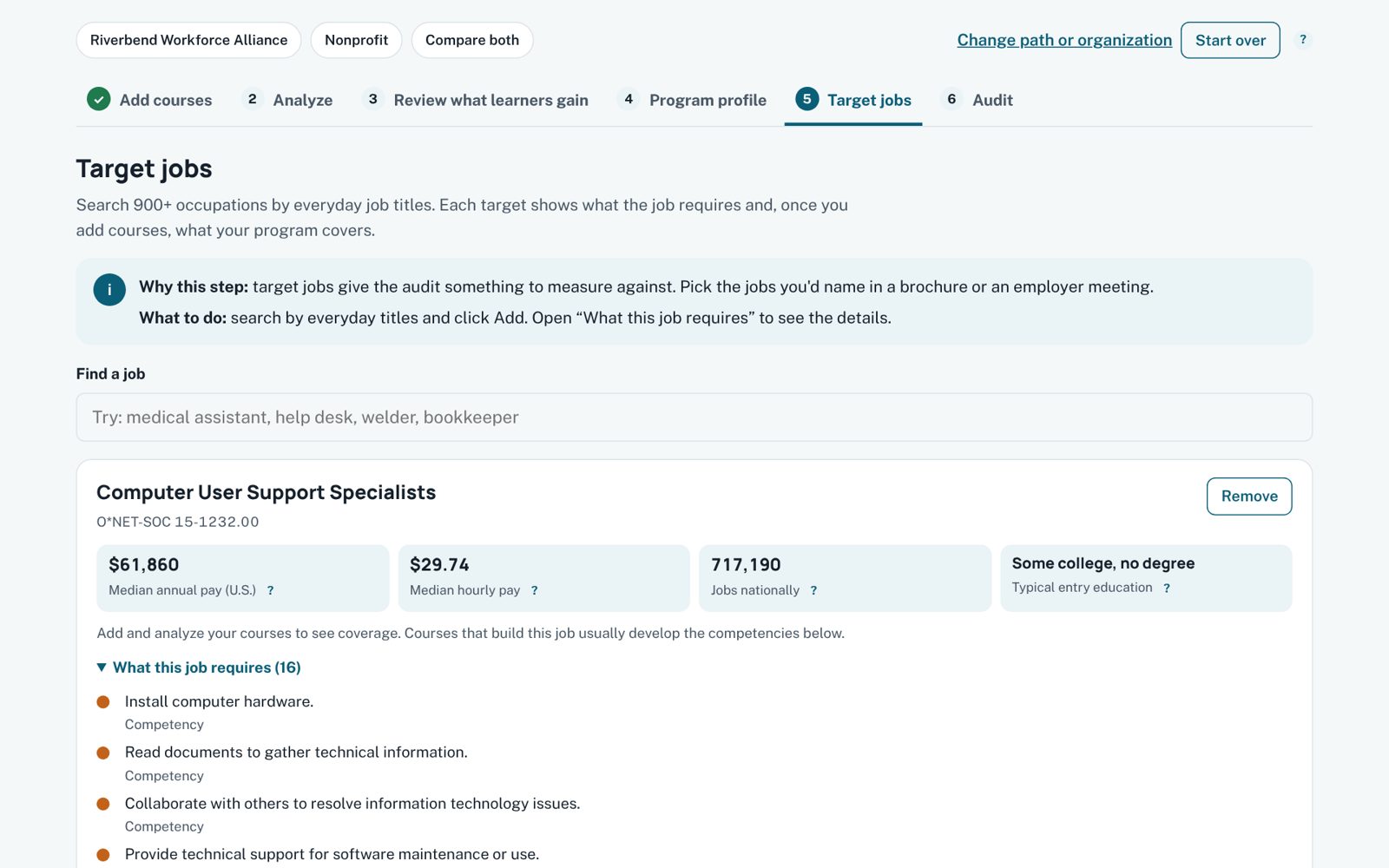
Program-to-Jobs Mapper
Match course descriptions to 900+ real occupations, or start from target jobs and find the courses that build them. Cited to O*NET and BLS.
Built for: program directors, curriculum committees and workforce teams
Make it yours
Like one of these? Let’s fit it to your school.
The free versions show what’s possible. Working together, we shape a tool around your programs, your terms and your team, so it becomes part of how your office runs.
Tailor a tool
Start from a tool you like
- Your programs, calendar, rooms and terminology built in
- Your branding and your team’s workflow
- Saved and shared across your office, so the work carries from term to term
- Training so your team owns it after launch
Build something new
Design the tool your team keeps wishing it had
6–8 weeks · from $15,000
A purpose-built tool for your students or staff, designed with your team from the first sketch. Built privacy-first, and yours to keep.
More to explore
Learning apps, just for fun
Side projects that show how I design for learners. Open one on a coffee break.
App Savvy
Lessons, scenarios, a SQL lab and an AI lab for leaders who direct software and AI.
Explore App Savvy →Click by Click
Step-by-step computer skills, matched to the device each learner uses.
Explore Click by Click →Interview Practice
Interviewer profiles, a résumé-to-role fit check and practice with coaching feedback.
Explore Interview Practice →
