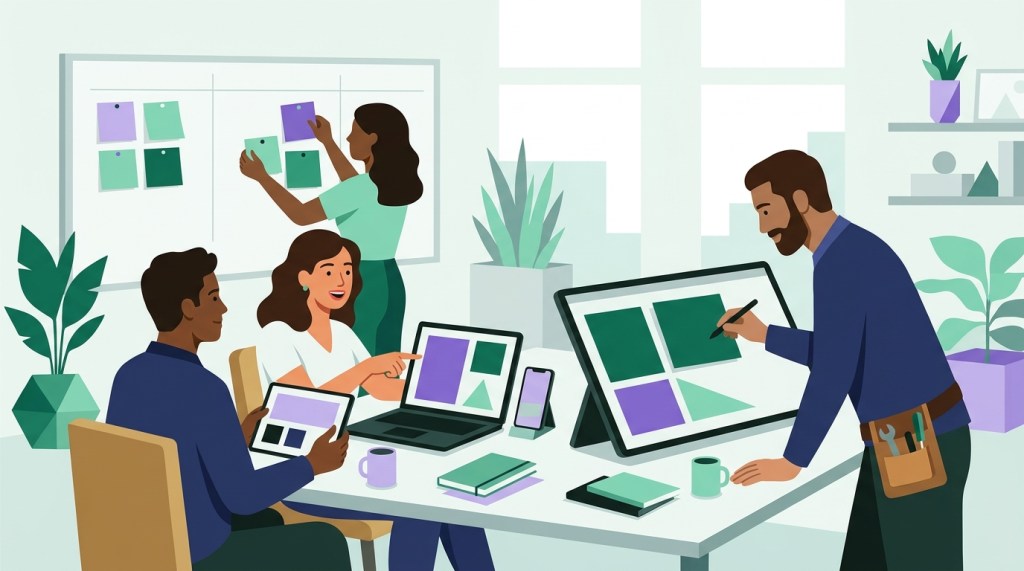
Before any app goes live — and definitely any homegrown app — I run at least two rounds of user acceptance testing (UAT) with a small group of core users, and I use what they tell me to shape the version that launches.
I follow this process on every build, which was a hard-earned lesson.
What is user acceptance testing, and who should do it?
User Acceptance Testing (UAT) is the step where the people who will use a tool, test it end to end on their own work, before it goes live. It answers one question: does this tool do what this team needs it to do?
I pick a small group of core users, as well as people who would also make good champions for the tool. They know the work, and once they’ve helped shape the tool, they can help their colleagues get comfortable with it.
What counts as feedback in UAT?
Everything. Bugs (i.e. instances where the tool is broken and/or not behaving as expected) are part of it. I also ask testers to tell me about:
- Optimizations: a step that takes too many clicks, or a screen that could be simpler.
- Enhancement requests: something they wish the tool did.
- Missed requirements: the tool works as intended and still doesn’t meet what the team needs.
That last one matters most. A missed requirement won’t show up as an error message. You only find it by watching real users do real work.
Why test with a small group before go-live?
Because learning is the whole point. AI-assisted coding has made faster, iterative design possible. I can get to a minimum viable product (MVP) that’s good enough to test much sooner than I used to. So I do. Then I run a couple rounds of UAT, learn, adjust, and then we go live.
A small group lets you learn fast, before the whole office depends on the tool.
What happens when you skip the requirements step?
One of the biggest lessons I ever learned came from a dashboard I built on a past project.
I developed an elaborate, data-driven dashboard for a group of users I assumed were already used to looking at this data. They pulled information from multiple platforms to conduct inspections — I brought it all into one place, and I was sure they’d be grateful for the time it saved them.
Boy, was I wrong.
The data I thought would be useful didn’t line up with the data they used to manage their day-to-day. Adoption was low and slow-going. They understood the why. They understood the how, for the most part. The tool just didn’t meet their requirements. And I hadn’t secured executive buy-in to actually implement it. That was my second mistake.
What process do I follow now?
For the next set of dashboards I built, I followed the best practice I knew to be true:
- Get executive buy-in before building anything.
- Build to the specs that users and leaders define.
- Get to a prototype MVP quickly.
- Run UAT, at least two rounds.
- After UAT, reinforce the message that we built this together, then implement.
- Support it after launch with ongoing office hours, and reinforce usage through social accountability.
Future builds, and their adoption, have gone much better as a result. It’s the same process I would use for any build on campus.
Step one ties back to the change management step I never skip: everyone needs to understand the what, the why and the why now. I wrote about that in Why Now? The Change Management Step I Never Skip.
How do you know people are still using it?
You measure it. I run three surveys:
- A pre-survey before the build, to set a baseline.
- A survey after UAT, to see whether the tool meets the team’s needs.
- A survey three to six months later, to confirm people are still using it and the expected benefits are still being met.
The third survey is the one that tells you whether the tool stuck.
Where can you start?
If you want to see what a starter app looks like, try the free Course Planner. Picture handing it to three of your own staff for a round of UAT. What would they tell you it needs to do for your school?
That conversation is where a Custom App Build begins. We build it with your team, test it with your champions, and measure adoption from day one. For more on how I build, read What Building a Free Interview Tool Taught Me About AI and Expertise.
Planning a new tool for your office? Book a free 30-minute call and let’s talk through it.

